🔥 VIP RAT V 2026 – In-Depth Guide to Android Remote Administration Tools, Risks & Protection
As mobile technology continues to evolve, Android devices have become central to both personal and professional life. With this increased reliance comes a rise in advanced remote administration tools (RATs) such as VIP RAT V 2026, which are often discussed in cybersecurity research and threat analysis.
⚠️ This content is strictly for educational and ethical awareness purposes. Unauthorized use of remote administration tools violates laws such as GDPR and cybercrime regulations.
⚙️ 🧩 How VIP RAT V 2026 Works (Technical Overview)
VIP RAT V 2026 operates using a client-server communication model, which is commonly used in enterprise IT systems and security testing environments.
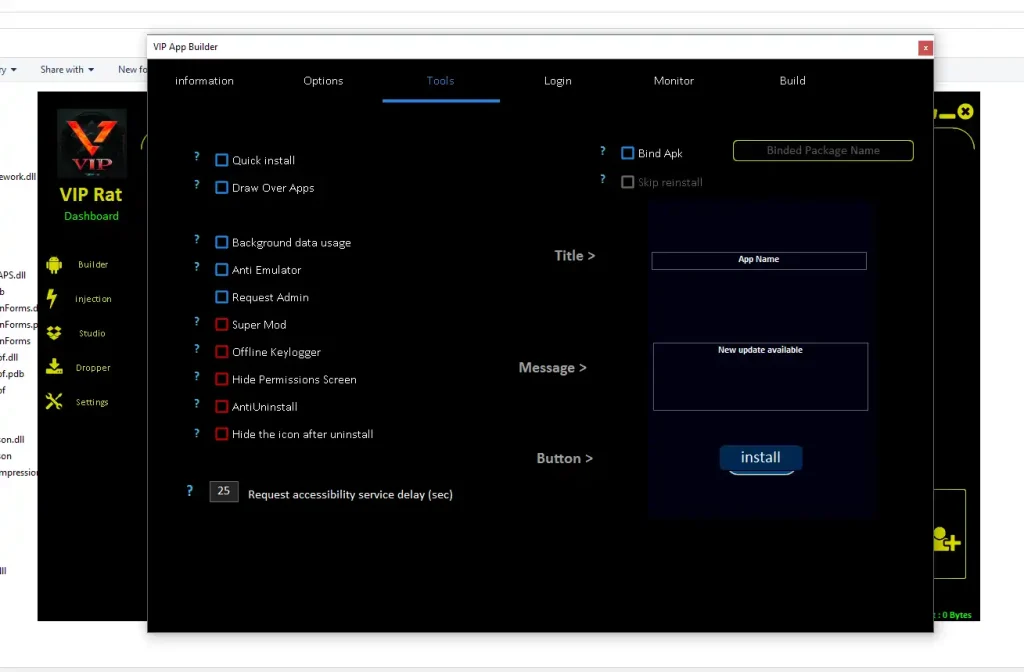
- 📡 Client Application Deployment:
A customized Android application acts as the client-side component. Once installed, it serves as the communication bridge between the device and a remote server. In security research, this demonstrates how malicious apps can appear legitimate while performing hidden operations in the background. - 🖥️ Command & Control Server (C2):
The server acts as the central hub where commands are issued and data is received. This architecture is widely studied in cybersecurity because it mirrors real-world attack frameworks used by threat actors. - 🔗 Data Exchange & Execution:
After connection, the system enables two-way communication. Commands sent from the server are executed on the device, and results are transmitted back. This highlights how remote systems can interact with devices in real time.
🛠️ 🔍 Core Features of VIP RAT V 2026 (Detailed Analysis)
🧩 📱 Custom APK Builder (Client Generation System)
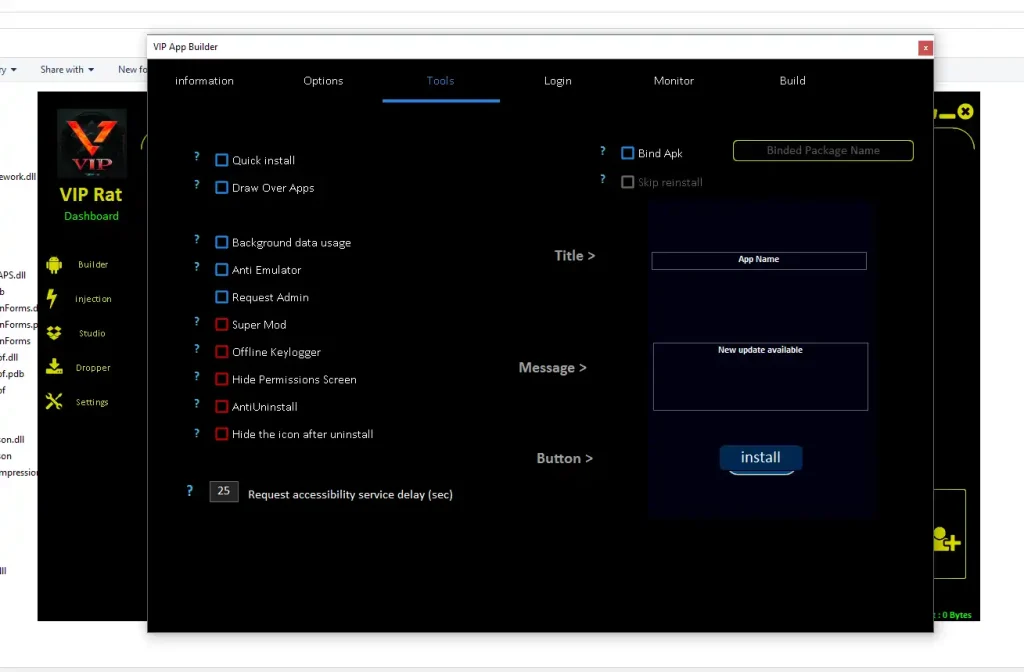
- 🧱 Application Identity Customization:
The builder allows modification of app names, icons, and package identifiers, enabling the application to resemble legitimate software. This technique is often analyzed in cybersecurity as a method of disguising malicious intent. By mimicking trusted apps, such software can bypass initial user suspicion and increase installation success rates. Researchers study this behavior to improve app verification systems and detection algorithms. It also demonstrates how branding and visual trust can be exploited in digital environments. Understanding this helps developers design better UI/UX warning systems. Additionally, security teams use this knowledge to educate users about recognizing suspicious applications. Overall, it highlights the importance of verifying app authenticity before installation. - 📦 APK Structural Configuration:
The ability to modify APK size, structure, and embedded components allows the application to appear more realistic. In cybersecurity testing, this is used to simulate how malware blends in with legitimate apps. File size manipulation can prevent suspicion, as unusually small or large files may trigger warnings. Researchers analyze how packaging affects antivirus detection rates and behavioral analysis systems. This feature also demonstrates how attackers optimize payload delivery for different environments. It plays a role in bypassing static analysis tools that rely on known signatures. Understanding this helps improve mobile security frameworks. It also emphasizes the need for deeper behavioral scanning rather than relying solely on file characteristics. - 🔐 Permission Engineering:
The builder configures permissions required for operation, including access to system features. This is critical in understanding Android’s permission model and how it can be misused. Security professionals study how excessive permissions can lead to data exposure. By analyzing this, they develop stricter permission controls and user alerts. It also demonstrates the importance of runtime permission awareness for users. Many attacks rely on users unknowingly granting access to sensitive features. This feature helps simulate real-world exploitation scenarios in controlled environments. It reinforces the importance of reviewing permissions before installing apps.
🔓 🧠 Accessibility Service Utilization
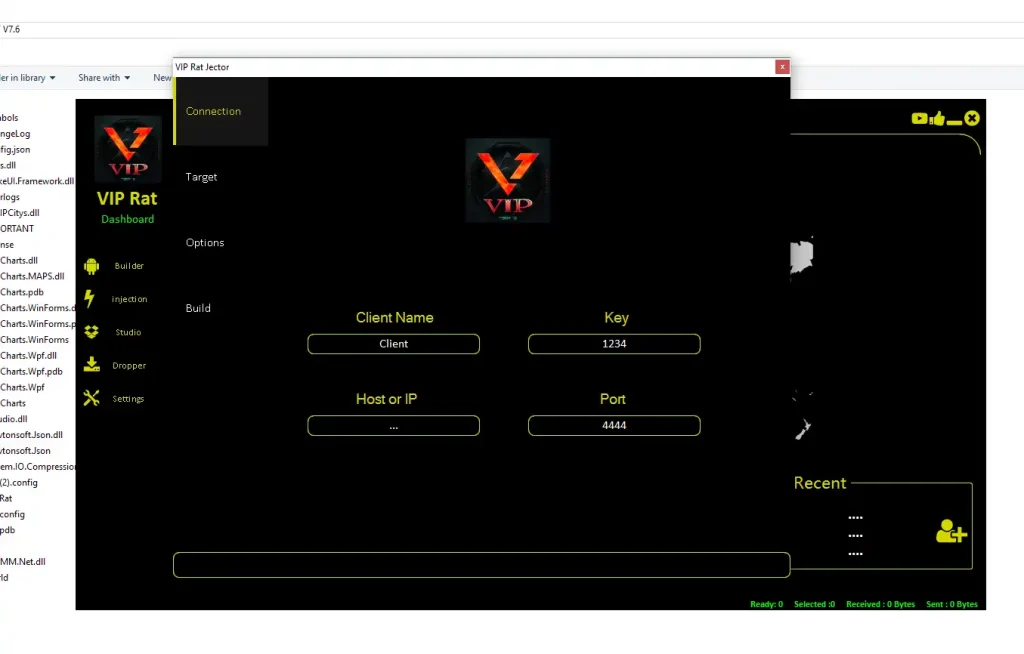
- 👁️ Screen Content Interaction:
Accessibility services allow applications to read and interact with on-screen elements. While designed for assistive technologies, this feature can be exploited to capture sensitive data. Security researchers use this capability to understand how information such as login credentials can be exposed. It highlights the risks associated with granting accessibility permissions to unknown apps. The feature also demonstrates how apps can monitor user behavior without direct interaction. This is critical in analyzing privacy vulnerabilities. It reinforces the importance of limiting accessibility access to trusted applications only. - 🤖 Automated User Actions:
These services can simulate gestures such as taps and swipes. In testing environments, this is used to replicate automated attack patterns. It helps researchers understand how malware can navigate apps and bypass manual security checks. Automation also demonstrates how phishing actions can be executed without user awareness. This capability is important for studying bot-like behavior on mobile devices. It provides insights into how attackers scale operations across multiple devices. Understanding this helps improve detection of abnormal activity patterns. - ⚠️ Security Risk Exposure:
Because accessibility services provide deep system access, misuse can result in significant privacy breaches. This feature highlights the importance of system-level safeguards. Researchers analyze how such access can bypass traditional security mechanisms. It also demonstrates the need for stricter OS-level controls and user warnings. The feature underscores the balance between functionality and security in Android design. It plays a key role in modern mobile threat analysis.
🔁 🛡️ Persistence & Background Execution
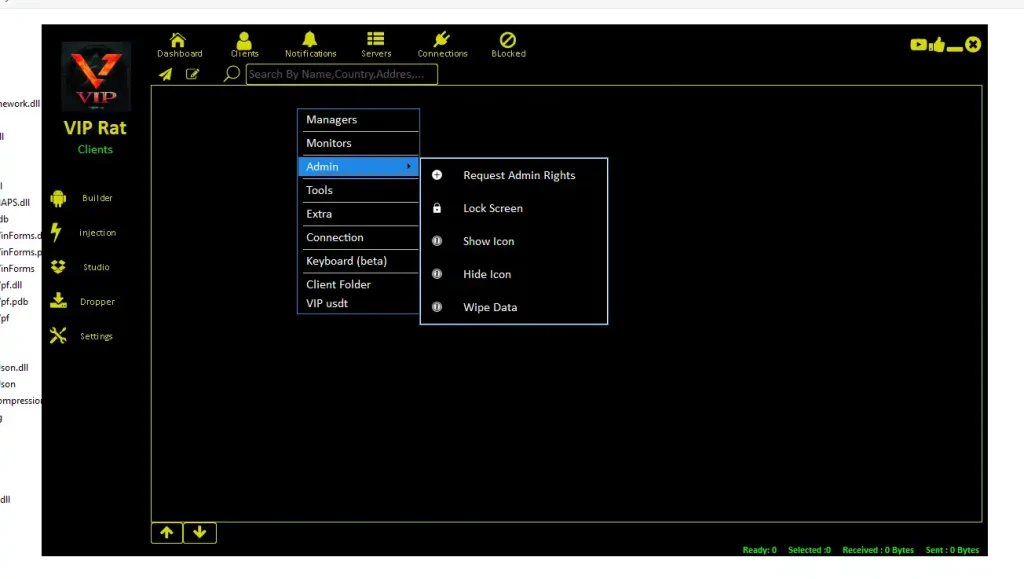
- 🔄 Auto-Start Mechanisms:
Persistence features allow applications to restart automatically after device reboots. This is a common technique studied in malware analysis. It ensures continuous operation without user intervention. Researchers analyze how such mechanisms evade detection and removal. It also highlights the importance of startup monitoring tools in Android systems. This feature demonstrates how long-term access can be maintained. It emphasizes the need for secure boot and process validation. - 👻 Stealth Background Processes:
Running silently in the background allows continuous activity without user awareness. This is critical in understanding stealth-based attacks. Researchers study how background execution impacts battery, performance, and data usage. It also reveals patterns that can be used for detection. This feature highlights the importance of monitoring system resource usage. It demonstrates how hidden processes can operate undetected for long periods. - 🔐 Privilege Escalation:
Elevated permissions allow deeper control over device functions. This feature is essential in studying how attackers gain advanced access. It highlights vulnerabilities in permission management systems. Researchers use this to improve OS-level security controls. It also demonstrates how sensitive features can be accessed if safeguards are weak. This reinforces the need for strict permission policies.
📡 🎥 Monitoring & Data Collection
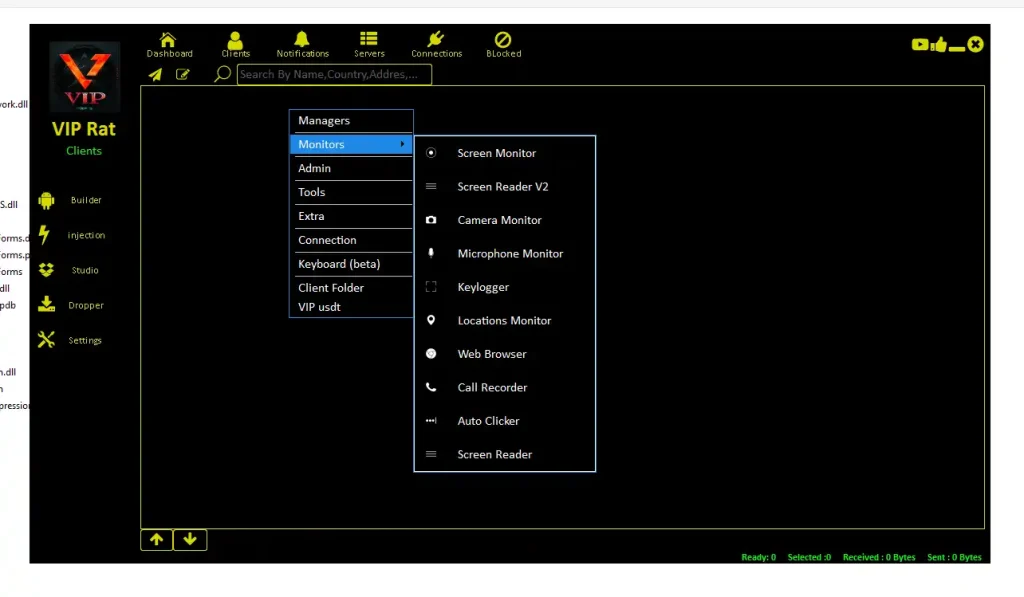
- 📺 Real-Time Screen Monitoring:
Enables observation of device activity as it happens. This is used in controlled environments to study user interaction patterns. It helps identify how sensitive data is displayed and accessed. Researchers use this to improve UI-level security. It also demonstrates risks of real-time surveillance. This feature is key in understanding privacy exposure. - 🎙️ Audio & Input Analysis:
Monitoring input and audio helps analyze communication vulnerabilities. It demonstrates how data can be intercepted. Researchers use this to improve encryption and secure communication protocols. It highlights the importance of protecting sensitive interactions. This feature is critical in studying voice and input-based attacks. - 📍 Location Tracking Insights:
Access to location data reveals movement patterns and behavioral insights. This is important in understanding privacy risks. Researchers analyze how location data can be misused. It also highlights the need for stricter location permissions. This feature demonstrates the sensitivity of geolocation data.
⚠️ Legal & Compliance Considerations
Using such tools without consent violates:
- 🇺🇸 U.S. Cybercrime Laws
- 🇪🇺 GDPR (General Data Protection Regulation)
- 🌍 Global Privacy Regulations
✔ Always ensure explicit authorization
✔ Use only in controlled environments
✔ Follow ethical cybersecurity practices
🛡️ How to Protect Your Device from VIP RAT V 2026
- 🚫 Install Trusted Applications Only:
Always download apps from official app stores and verified developers. This reduces exposure to malicious software. Trusted platforms have security checks that help filter harmful apps. Avoid sideloading APKs from unknown sources. - 🔍 Audit Permissions Regularly:
Review which apps have access to sensitive features like accessibility and location. Remove permissions that are not ضروری. This helps prevent misuse of system capabilities. - 🔄 Keep Software Updated:
Updates include security patches that fix vulnerabilities. Keeping your device updated reduces risk significantly. - 🛡️ Use Security Software:
Install reliable mobile security tools to detect suspicious activity. These tools provide real-time protection and alerts.
Download VIP RAT V 2026
✅ Conclusion
VIP RAT V 2026 represents the increasing sophistication of Android remote administration tools. While valuable in ethical cybersecurity research, it also highlights serious risks when misused.
Understanding these tools helps:
- Improve cybersecurity awareness
- Strengthen personal and organizational defenses
- Prevent unauthorized access and data breaches
Staying informed is essential in today’s digital environment.
❓ FAQs
❓ What is VIP RAT V 2026 used for?
It is discussed in cybersecurity as a remote administration tool used in controlled environments for testing and research purposes.
❓ Is VIP RAT V 2026 legal in the US and Europe?
It is only legal when used with proper authorization. Unauthorized use violates strict privacy and cybercrime laws.
❓ How do RAT tools affect Android security?
They can expose sensitive data, monitor activity, and control device functions if misused.
❓ Can I protect my phone from RAT tools?
Yes, by installing trusted apps, reviewing permissions, updating software, and using security tools.
❓ Why is accessibility permission dangerous?
Because it allows deep access to device functions, which can be misused if granted to untrusted apps.