🔥 JASON RAT v2.1.1.0 – Complete Analysis of the Powerful Remote Access Trojan
Introduction
The cybersecurity landscape continues to evolve with increasingly sophisticated malware tools. One such example is JASON RAT v2.1.1.0, a powerful Remote Access Trojan (RAT) designed to provide attackers with complete control over compromised computers.
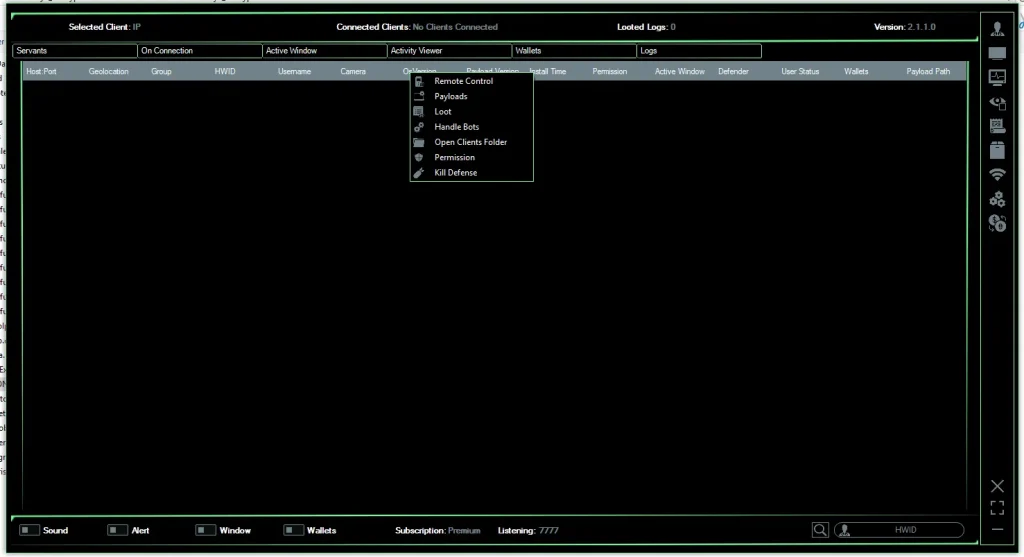
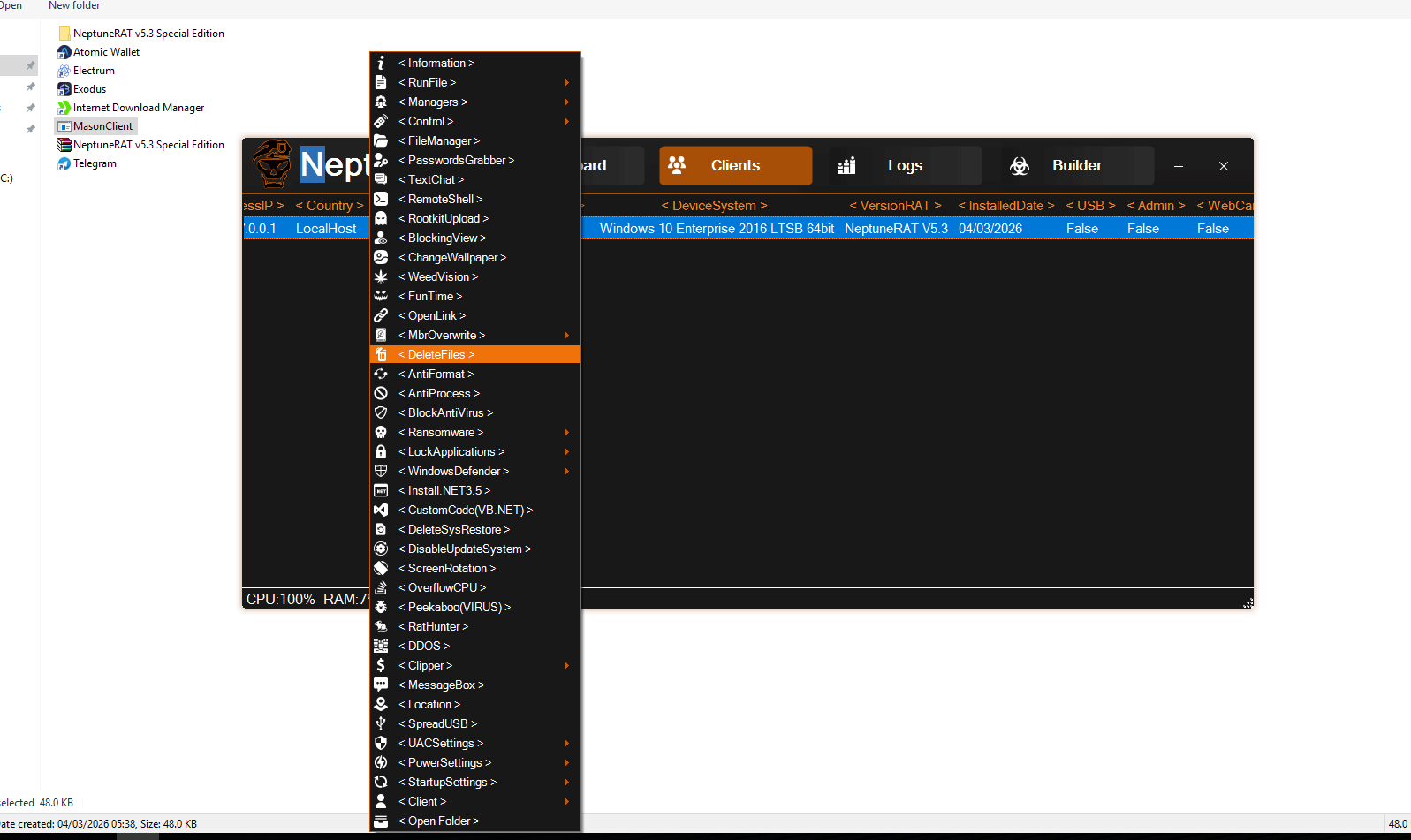
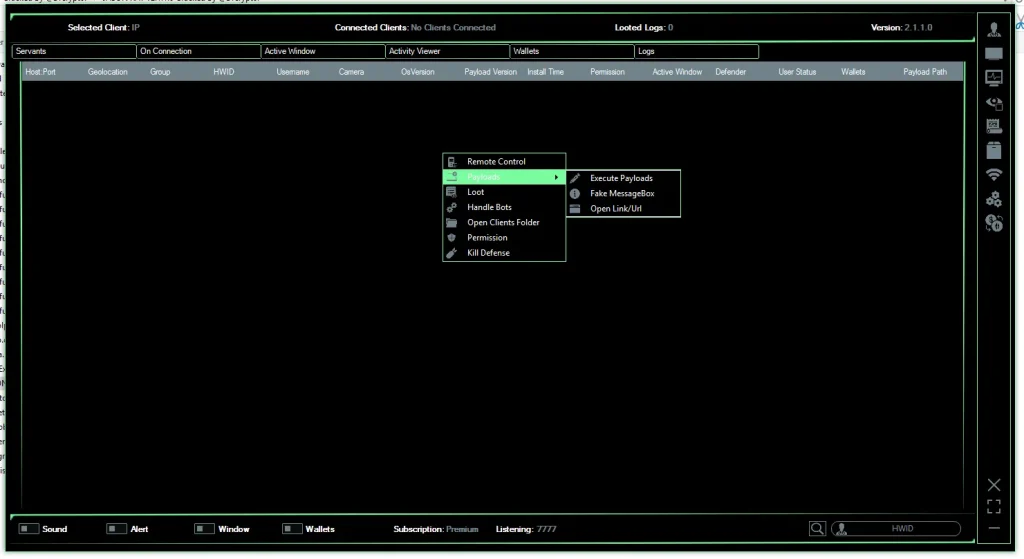
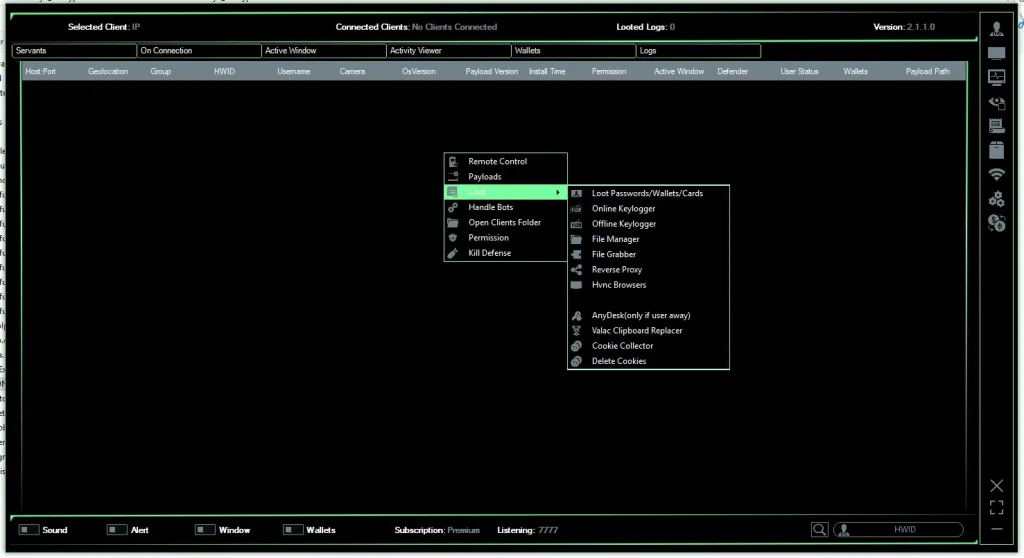
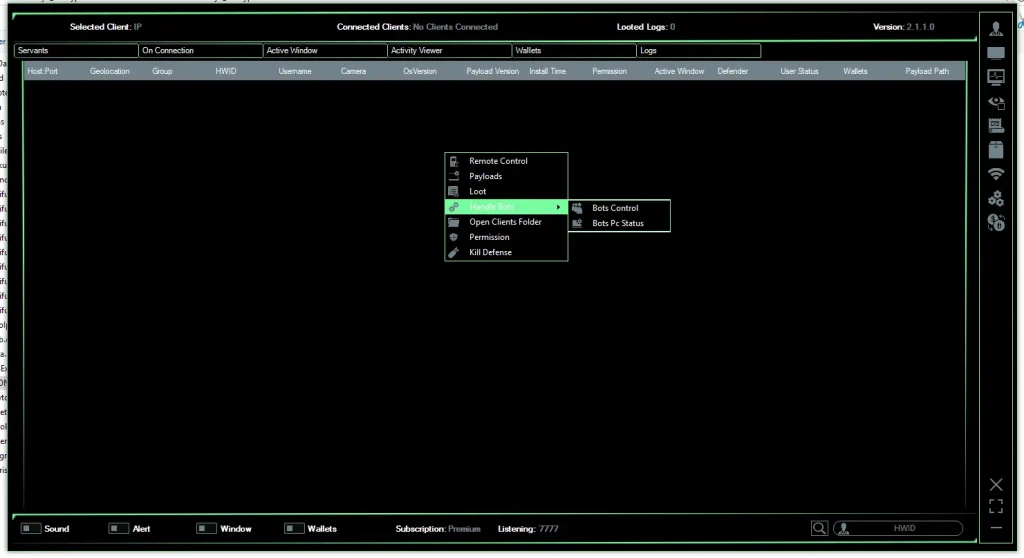
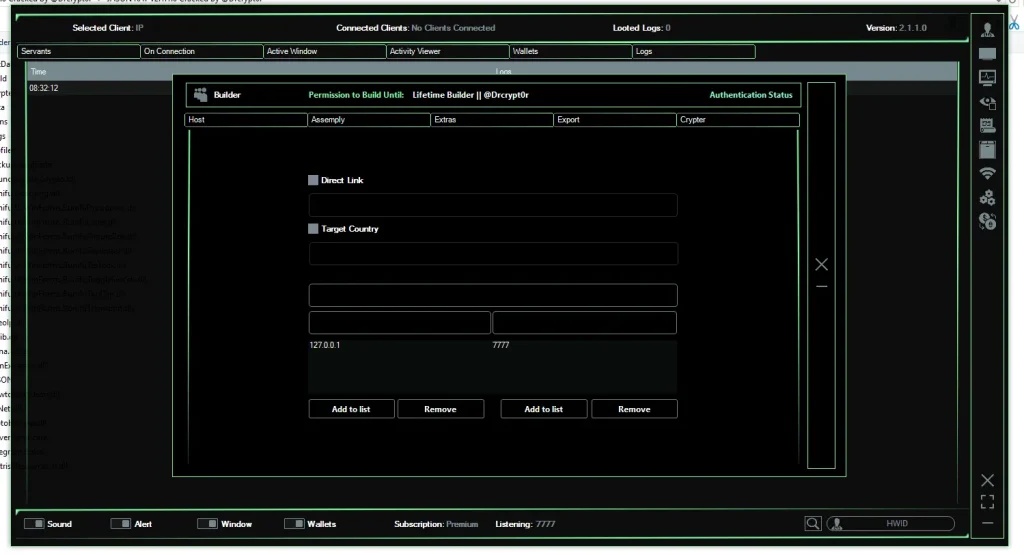
Screenshots of the software reveal a feature-rich command panel, advanced payload builder, and multiple modules dedicated to remote surveillance, credential theft, and system manipulation. While some developers claim such tools are for remote administration or penetration testing, most versions circulating online—especially cracked releases—are commonly used in cybercrime campaigns.
This article provides a deep technical analysis of JASON RAT v2.1.1.0, its features, operational structure, and the security risks it poses.
⚡ What is JASON RAT v2.1.1.0?
JASON RAT v2.1.1.0 is a Windows-based Remote Access Trojan that allows an operator to secretly monitor and control an infected system from a remote location.
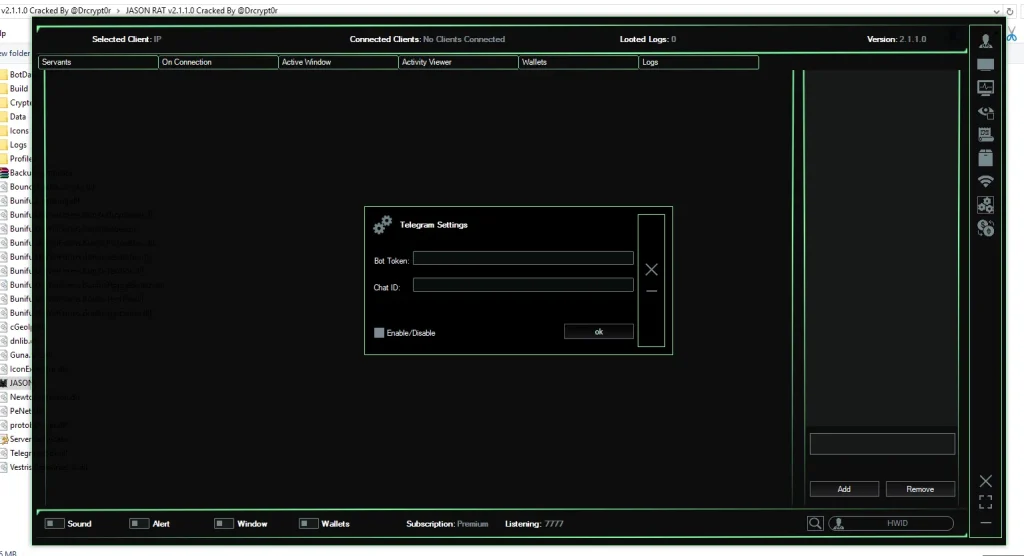
Once installed on a victim’s computer, the malware establishes a connection with the attacker’s Command and Control (C2) server, enabling them to execute commands, steal sensitive data, and monitor the user’s activities in real time.
Many underground forums distribute “cracked” versions of the tool, removing licensing restrictions and allowing even inexperienced attackers to deploy sophisticated malware.
Key Characteristics
- Remote system control
- Credential and browser data theft
- Keylogging and surveillance
- Cryptocurrency wallet stealing
- File management and system manipulation
- Advanced anti-detection mechanisms
Because of these capabilities, security researchers classify tools like JASON RAT as high-risk malware frameworks.
🖥️ Command and Control Dashboard Overview
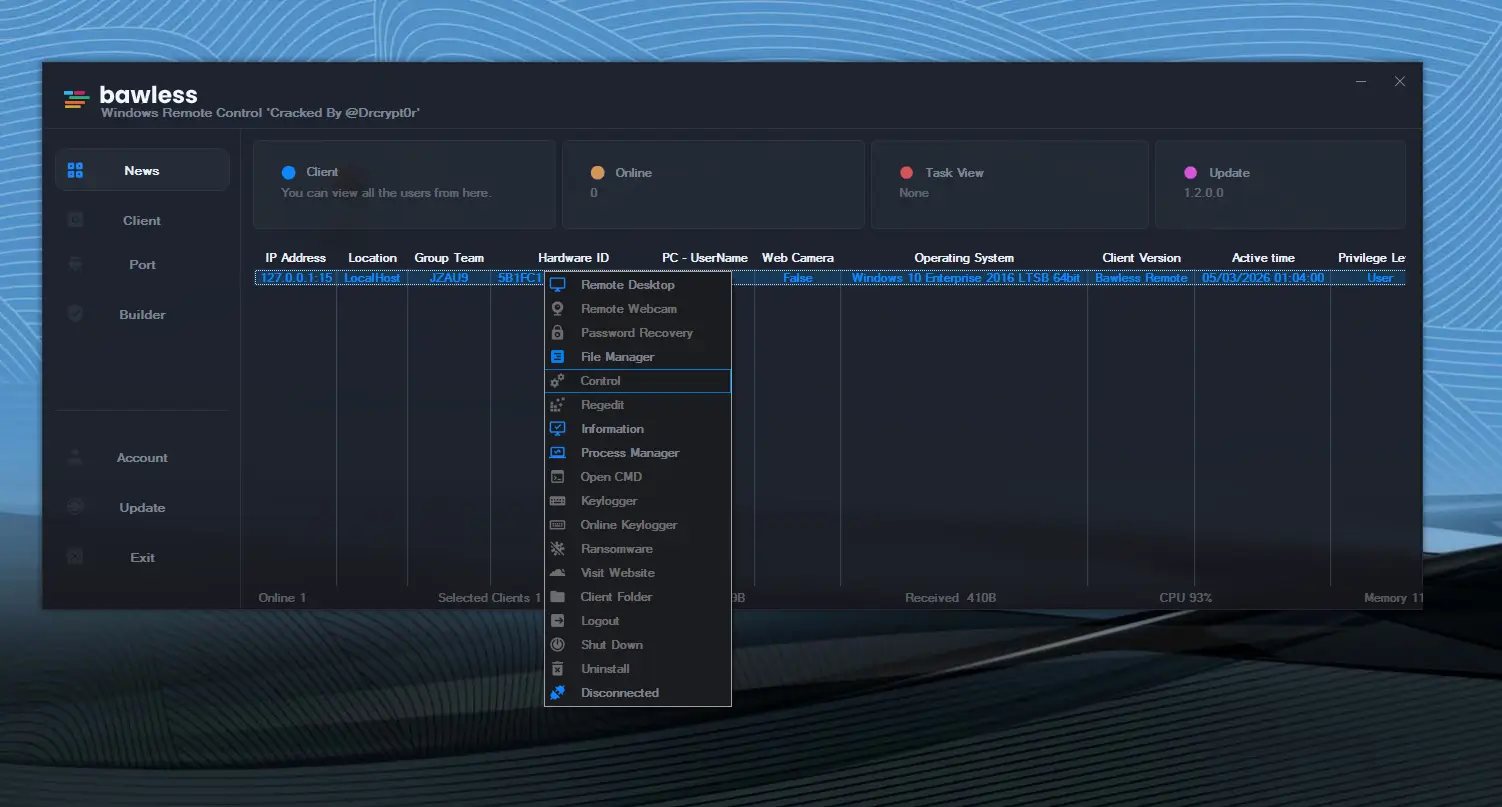
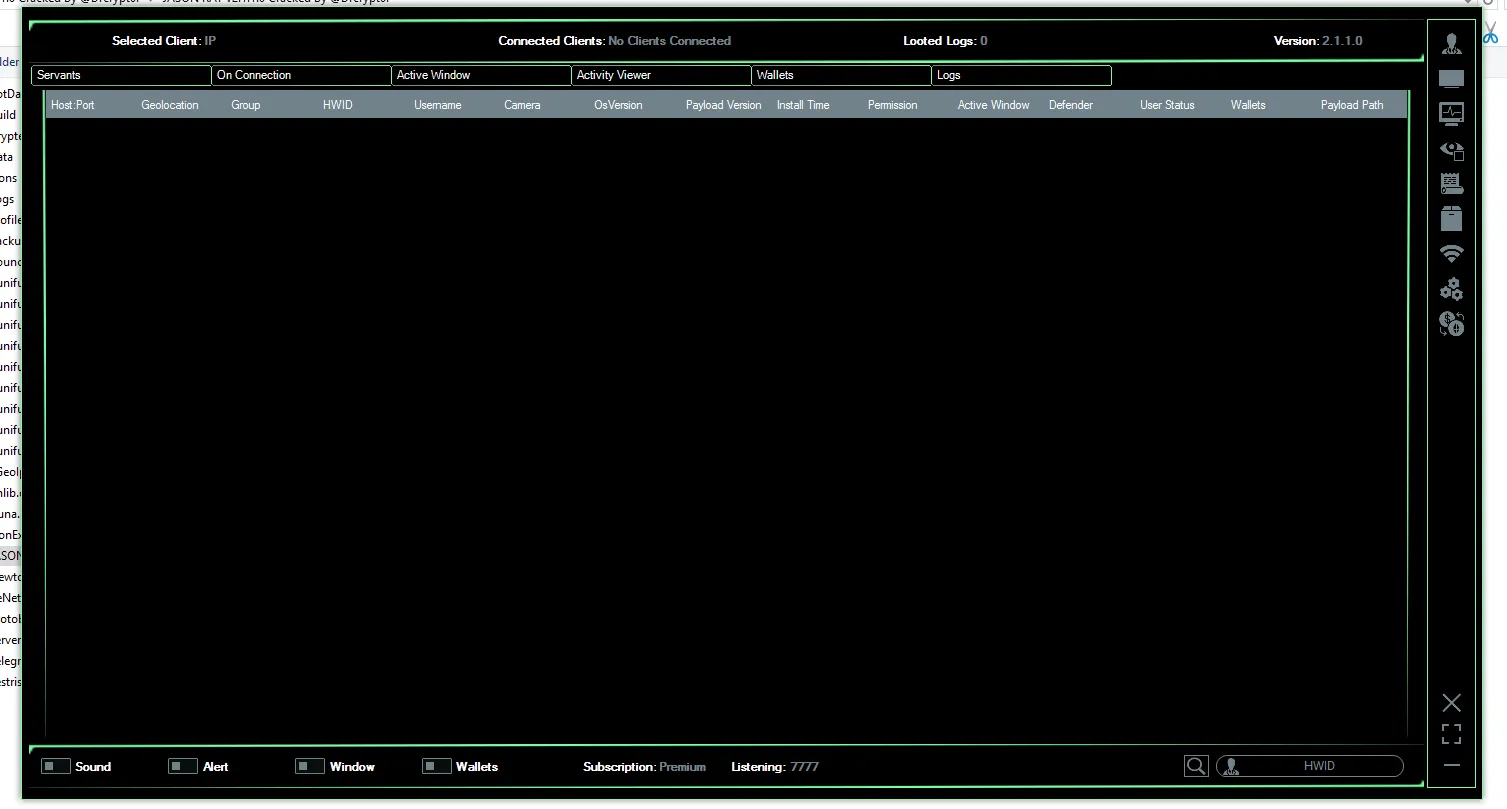
The main interface of JASON RAT v2.1.1.0 acts as a Command and Control (C2) panel, where attackers can monitor and manage infected machines.
The dashboard displays a Client List, showing all compromised systems connected to the attacker’s server.
📊 Target Information Panel
When an infected device connects, the RAT displays detailed system information such as:
- Host & Port: Network connection details of the victim
- Geolocation: Estimated location derived from IP address
- HWID (Hardware ID): Unique machine identifier
- Username: Current system user
- Operating System: Windows version running on the target
- Webcam Status: Whether a camera is available
- Payload Version: Installed malware build
- Installation Time: Timestamp of infection
- Defender Status: Indicates if Windows Defender is active or disabled
This information allows attackers to prioritize high-value targets such as corporate systems or cryptocurrency users.
🧰 Remote Control and System Management Features
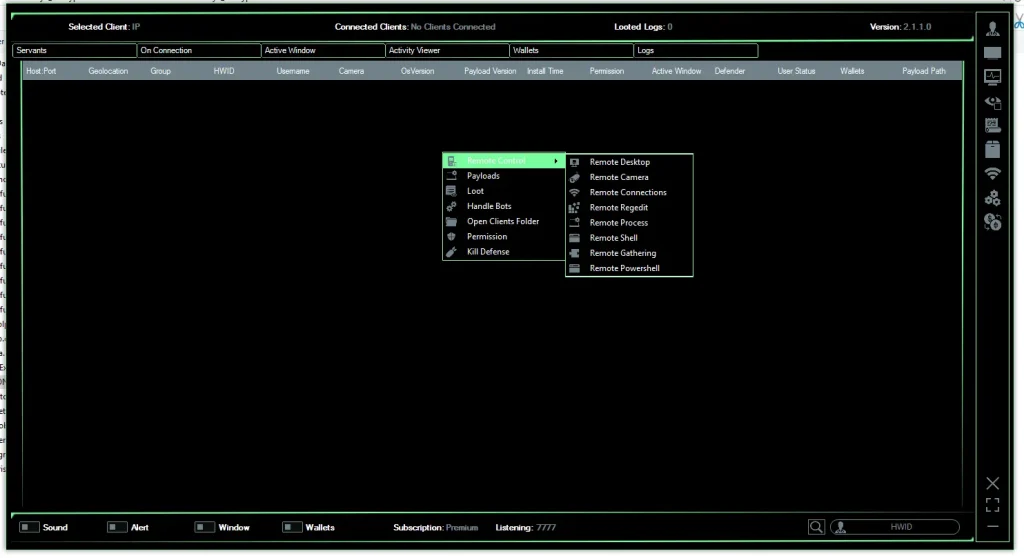
One of the core components of JASON RAT v2.1.1.0 is its remote control toolkit, allowing attackers to manipulate nearly every aspect of a compromised system.
Remote Command Execution
Attackers can run commands directly on the victim’s machine using:
- Command Prompt Shell
- PowerShell Execution
- Custom Script Injection
This capability allows complete system control without physical access.
Remote Desktop Monitoring
The RAT includes a remote desktop module, enabling attackers to:
- View the victim’s screen in real time
- Control mouse and keyboard input
- Disable screen display
- Block user interaction
This feature essentially turns the victim’s computer into a fully controlled remote workstation.
File Manager
The built-in file manager allows attackers to:
- Browse directories
- Download sensitive files
- Upload malicious payloads
- Delete or modify system data
This function is often used to steal documents or deploy additional malware.
🎥 Surveillance and Spy Capabilities
JASON RAT v2.1.1.0 includes several features designed for covert surveillance.
Webcam Monitoring
Attackers can activate the victim’s webcam without their knowledge and capture images or video footage.
Microphone Recording
The RAT can remotely enable the system microphone to record conversations happening near the infected device.
Keylogging
Keylogging functionality records every keystroke typed on the computer, including:
- Login credentials
- Emails and messages
- Banking information
- Search queries
Captured logs are transmitted back to the attacker’s server.
💰 Data Theft and Credential Stealing Modules
The software also includes a comprehensive data exfiltration toolkit.
Browser Credential Stealer
JASON RAT targets popular browsers such as:
- Google Chrome
- Mozilla Firefox
- Microsoft Edge
- Brave
- Opera
It extracts:
- Saved passwords
- Autofill data
- Browser cookies
- Login tokens
These stolen credentials can be used for account takeovers and identity theft.
Cryptocurrency Wallet Theft
The RAT scans the system for cryptocurrency wallet files associated with:
- Bitcoin
- Ethereum
- Litecoin
- Other crypto wallets
Attackers can transfer funds or extract private keys.
Cookie and Session Hijacking
By stealing browser cookies, attackers can sometimes bypass login authentication, allowing them to access accounts without knowing the password.
🛡️ Defense Evasion and Persistence Mechanisms
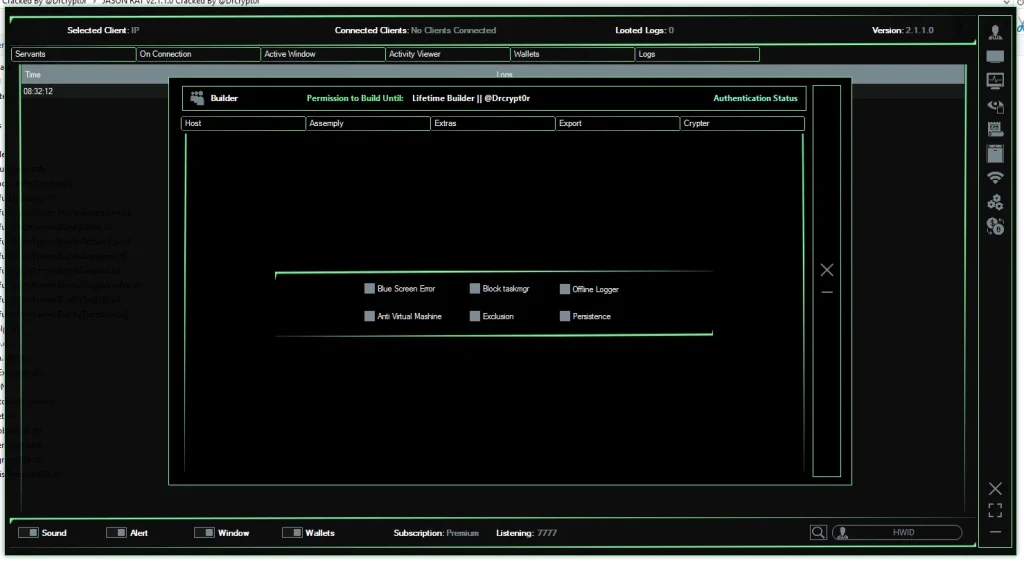
To remain undetected, JASON RAT v2.1.1.0 uses multiple anti-security techniques.
Antivirus Disabling
The tool attempts to disable security solutions such as:
- Windows Defender
- Security monitoring tools
- System protection services
UAC Bypass
User Account Control (UAC) bypass allows the malware to gain administrator privileges without user approval.
Persistence Methods
To survive system reboots, the malware may install itself through:
- Startup registry entries
- Scheduled tasks
- Hidden system processes
This ensures continued access even after a restart.
🏗️ Payload Builder – Creating the Malware File
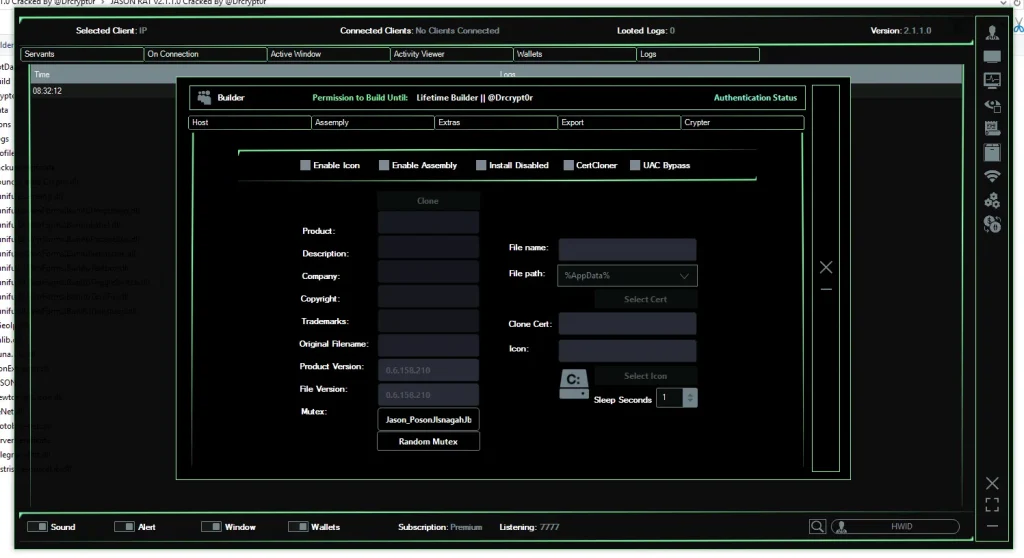
A powerful feature of JASON RAT v2.1.1.0 is its Payload Builder, which allows attackers to generate custom malware executables.
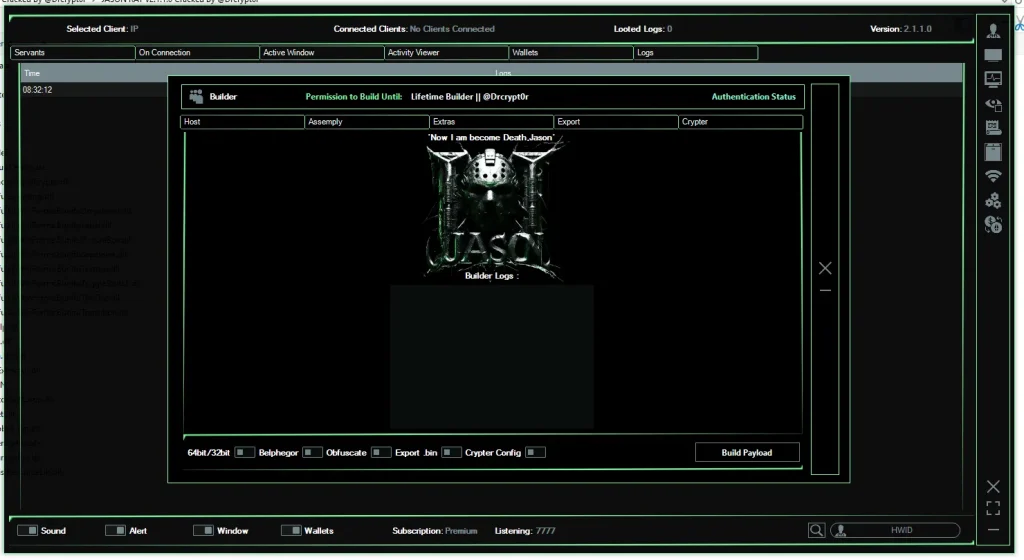
Builder Configuration Options
The builder allows customization of:
- Command server IP and port
- Payload version
- Execution method
- Connection settings
File Disguise Techniques
To avoid suspicion, attackers can disguise the malware using:
- Custom file icons
- Fake file descriptions
- Cloned version information
- Legitimate company names
For example, the malware can appear as:
- A PDF document
- A software installer
- A system update file
🔒 Anti-Analysis Protection
Advanced configurations include techniques designed to avoid detection by security researchers.
Anti-VM Protection
The malware checks if it is running inside a virtual machine used for malware analysis.
Anti-Sandbox Detection
If a sandbox environment is detected, the malware may terminate itself to avoid inspection.
Crypter Integration
A built-in crypter encrypts the malware code to evade antivirus detection and signature-based scanning.
⚠️ Security Risks and Real-World Threats
Tools like JASON RAT pose serious risks to individuals and organizations.
Potential consequences include:
- Identity theft
- Corporate espionage
- Financial fraud
- Cryptocurrency theft
- Unauthorized surveillance
- System sabotage
The availability of cracked versions significantly increases the risk, as inexperienced cybercriminals can easily deploy the malware.
🛡️ How to Protect Yourself From RAT Malware
To reduce the risk of infection, follow these cybersecurity best practices:
1. Avoid Suspicious Downloads
Never download software from untrusted sources or unknown websites.
2. Keep Your System Updated
Install regular updates for your operating system and applications.
3. Use Reliable Antivirus Software
A reputable security solution can detect many RAT infections.
4. Be Careful With Email Attachments
Many RAT infections start through phishing emails.
5. Monitor System Activity
Unexpected webcam activation, microphone use, or system slowdowns may indicate malware.
Download JASON RAT v2.1.1.0
📌 Final Thoughts
JASON RAT v2.1.1.0 is a highly capable malware framework that combines remote administration, surveillance, and data-theft features into a single platform. While some claim such tools can be used for legitimate security testing, the reality is that most versions circulating online are designed for malicious cyber activity.
Understanding how these tools operate helps security professionals and users recognize potential threats and implement stronger defenses.
As cybercrime continues to grow, awareness and proactive security practices remain the best defense against remote access malware.